
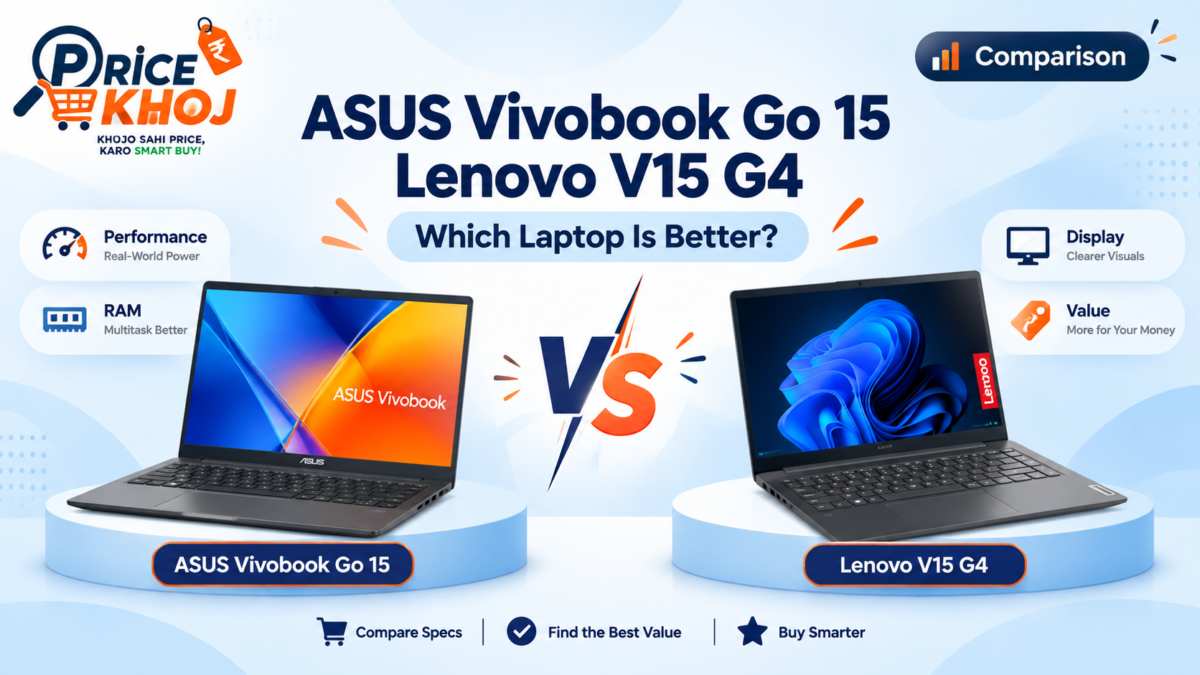
ASUS Vivobook Go 15 vs Lenovo V15 G4 is a close comparison because both are available with Ryzen 5 7520U, 16GB memory and 512GB SSD configurations. The better buy depends less on raw CPU speed and more on display, memory implementation, keyboard, ports, warranty and the final transaction price.
Student-friendly 16GB LPDDR5 option
Work-style 16GB/512GB option
ASUS Vivobook Go 15 vs Lenovo V15 G4 specifications
| Feature | ASUS Vivobook Go 15 | Lenovo V15 G4 |
|---|---|---|
| Processor | Ryzen 5 7520U | Ryzen 5 7520U |
| Memory | 16GB LPDDR5 on selected model | 16GB on selected variants |
| Storage | 512GB NVMe SSD | 512GB SSD |
| Display | 15.6-inch FHD, 60Hz | 15.6-inch FHD on selected variants |
| Graphics | Radeon 610M | Radeon 610M |
Performance: almost the same CPU class
When both machines use Ryzen 5 7520U, there is no meaningful processor-class advantage. Both target browser-heavy work, Microsoft Office, college assignments, coding practice, video calls and light content work. Neither should be bought as a serious gaming or workstation laptop.
RAM and upgradeability
The ASUS 16GB configuration uses LPDDR5 onboard memory, which is fast but typically soldered. Lenovo V15 G4 listings vary by exact model, so check the memory type and upgrade path before ordering. If you plan to run virtual machines or heavier development tools, upgradeability can matter more than a small difference in sale price.
Display and keyboard
Both families offer Full HD 15.6-inch displays in relevant configurations, but panel type and brightness can vary. For long coding or study sessions, a usable anti-glare panel and comfortable keyboard are more important than headline specifications. Buyers who travel daily should also compare weight and charger size.
Which is better for students?
The Vivobook Go 15 is attractive when the 16GB/512GB version sits in the high-₹40,000 range. Lenovo V15 G4 is a practical alternative if you prefer a more conventional work-laptop design and the final price is close. For college use, both are sensible if you are not buying for gaming.
Which is better for coding?
Both can handle VS Code, Python, Java, web development and normal student projects. The better choice is the model with 16GB RAM, the better display/keyboard for your use, and the stronger seller warranty at checkout.
Also read our best laptops for coding under ₹60,000 and best laptops under ₹50,000.
ASUS Vivobook Go 15 vs Lenovo V15 G4: FAQs
Which has the faster processor?
Equivalent Ryzen 5 7520U configurations are effectively in the same processor class.
Which is better for coding?
Choose the 16GB version with the better keyboard, display, warranty and price. Both are suitable for mainstream student development work.
Which is better value?
The answer changes with sale pricing, so check both current Amazon results before purchase.
Sources: official ASUS specifications and Lenovo V15 family references; prices can change by seller and sale period.